
As an Amazon Associate I earn from qualifying purchases. This post may contain affiliate links. Read our disclosure.
Quick answer: download the FNSKU label file from Seller Central, choose a template that matches your label stock (for thermal printers, a single-label size such as 2.25 x 1.25 in is common), and print at 100% scale. Each label must show the FNSKU barcode, the product title and the condition.
Our top picks


Why this matters more in 2026
Amazon stopped offering its FBA prep and item labeling service in the US from 1 January 2026, so sellers now apply every unit label themselves before inventory ships (OnlineLabels, Saltbox). A label that will not scan now means a delay or fee at receiving.
What an FNSKU label needs
- A scannable FNSKU barcode (starts with X00 for most items)
- The product title
- The condition, such as New
- Black print on a white background, with clear white space either side of the barcode
Common accepted sizes range from about 1 x 2 in up to 2 x 3 in (EcomBrainly). Always confirm the current templates in Seller Central.
Printing step by step
- In Seller Central, go to your shipment or Manage Inventory and choose Print item labels.
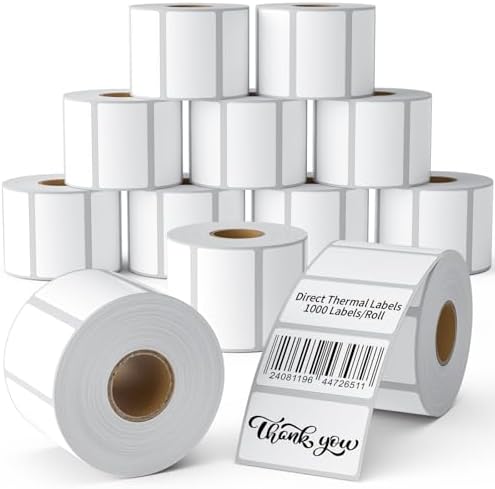
- Pick the label size that matches your roll. For a thermal printer, use a single-label (roll) template, not a sheet template like 30-up.
- Open the PDF and print to the thermal printer with paper size set to your label size.
- Set scaling to 100% / None. A barcode printed slightly shrunk can look fine and still fail at the scanner.
- Scan a test label with a phone barcode app or a handheld scanner before labelling the full batch.
Placement rules that cause rejections
- Cover the manufacturer barcode completely so only the FNSKU scans.
- Do not wrap a label around a corner or curve.
- If the unit is poly bagged, the barcode must scan through the bag or sit on the outside.
Which printer and labels
Most 4×6 desktop printers (Jadens, MUNBYN and similar) also print narrower labels, so one printer can handle shipping and FNSKU labels. Swap rolls and recalibrate when you switch.
Related: Amazon FBA prep in 2026.